


Setting up the BASE project base
Step 1: How to install Weblication
Download the setup file and unzip it on your web server.
You can obtain the current setup file from the developer area at https://dev.weblication.de. Open the setup file and follow the installation instructions.
Log in to Weblication®:
User: admin
Password: admin


Step 2: Create new project
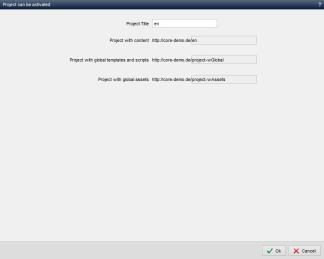
Once you have logged in as an administrator, you will be offered the installation screen with the available projects for your project base (currently: BASE Classic or Mobile First). Assign a project title and the project paths here and follow the
instructions until completion.
Further information can be found in the appendix under Tips and tricks.
Step 3: Start the new project
Immediately after the project installation, the created project is opened in a new window.

Please note
Detailed instructions can be found in the Weblication® online help:
https://help.weblication.de/help14/installation/installation-setup-script.php
Information on the server requirements can be found here:
https://help.weblication.de/help14/installation/systemvoraussetzungen-weblication.php
Please ensure that you deactivate the blocking of pop-up windows for your domain.